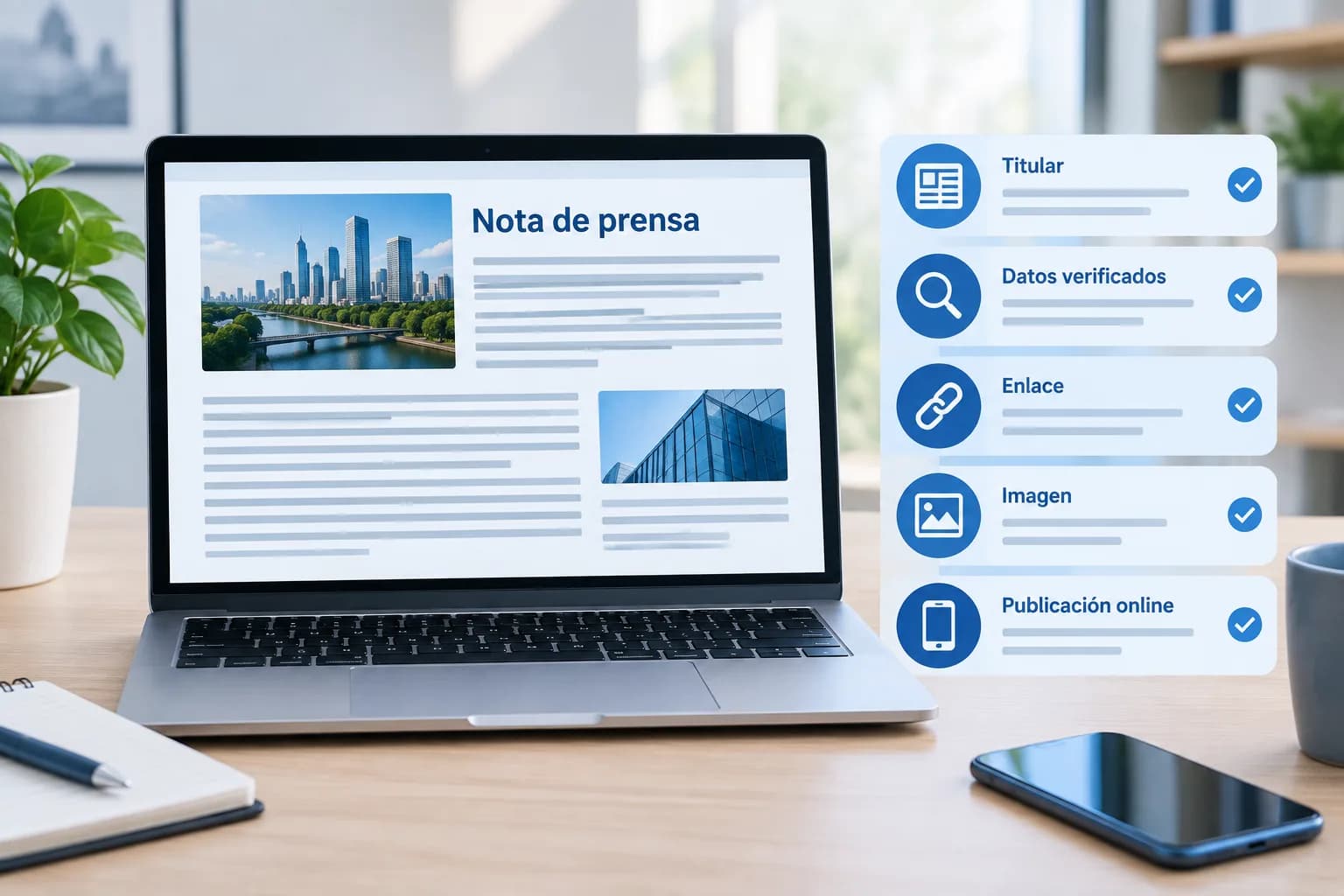
Publishing a press release does not end when the text is finished. Before making it visible, it is advisable to carry out a final review that combines editorial judgement with technical checks. Incorrect data, a broken link, or an overly promotional headline can detract from the clarity of a piece of news that would otherwise be relevant.
A prior review does not consist of rewriting everything. Its objective is to confirm that the release explains a specific fact, that the company can support what it claims, and that the content will be read correctly on the chosen channel. This checklist allows you to review those points without turning the process into a comprehensive writing guide. To prepare for the next step, this guide on how to send and distribute a press release might also be useful.
1. Check that there is a clear news angle
The first question is simple: what has happened and why should it interest someone outside the company? A press release needs a recognisable news angle, not just the desire to communicate a brand, product, or service.
Before publishing, verify that the text clearly answers the basic questions: what is happening, who is involved, when it is happening, where it is taking place if relevant, and why it matters. If the answer is hidden at the end, move it to the beginning.
It is also advisable to remove general phrases that could fit into any corporate communication. Expressions such as “reinforces its commitment” or “marks a new milestone” only add value if accompanied by facts that explain them. Concrete information is more useful than a grandiloquent statement.
2. Review the headline and the lead
The headline and the lead are the parts that a journalist, potential client, or any visitor will read fastest. Both should allow the core of the news to be understood without forcing the reader to go through the entire text.
- The headline must be concrete, understandable, and consistent with the content. If it promises something that the release does not demonstrate, it generates distrust.
- The lead must expand on the headline with essential facts, not repeat it in different words.
- Avoid superlatives, absolute promises, and advertising formulas that cannot be verified.
A useful check is to read only the headline and the lead. If it is not clear what is being communicated, precision is lacking. If it is understood, but seems like an advertisement, it is probably advisable to replace assessments with verifiable information.
3. Verify data, names, and claims
Precision errors damage the credibility of an online press release and may require subsequent corrections. Check names and positions of cited individuals, company names, locations, dates, products, and any figures included with special attention.
Check that percentages, units, comparisons, and time periods are correctly expressed. If a statement can be interpreted in several ways, add the necessary context. For example, an isolated figure may require indicating to which period, market, or data set it refers.
Corporate quotes deserve specific validation. Confirm that the attributed person has approved the final text and that their words provide an explanation, an assessment identified as such, or relevant context. A quote should not be limited to repeating the promotional message of the release.
4. Review the structure and readability
The most relevant information must appear first. Afterwards, background, operational details, or information about the company can be developed. This order facilitates quick reading and helps each person find what they need without effort.
Review the paragraphs one by one. If they contain too many ideas, divide them. If a sentence is long because it accumulates clarifications, simplify it. Subheadings can help when the release is long, but only if they truly organise the content.
Carry out a final check of spelling, punctuation, capitalisation, and terminological consistency. Pay attention to words that are referred to in various ways throughout the text, such as the name of a service, an entity, or a position. Uniformity conveys diligence.
Finally, remove repetitions and technical jargon that the target audience does not need. A release can be rigorous without being dense. It must also avoid the tone of a commercial brochure: the information, data, and statements must sustain interest on their own.
5. Check links, contact details, and the call to action
Contact elements and links turn a static publication into a useful piece. Test each link before publishing and confirm that it directs to a page related to the news. Do not add links by accumulation: it is preferable to offer a few relevant and well-identified resources.
The link text should anticipate what the person will find when clicking. It is also advisable to review the corporate website address, email, and contact phone number, if included. Outdated contact details can prevent an enquiry from reaching the right person.
The call to action must be reasonable for the context. It can invite readers to find out more, consult a resource, download available material, or contact the organisation. It does not have to appear in a forced way or displace the informative content.
6. Review images and supplementary materials
An image can help explain the news or identify the company, but it does not replace the content. Choose resources directly related to the announcement and check that they have sufficient quality for digital viewing.
- Verify that the company has permission to use the image, logo, or any attached material.
- Include authorship or attribution where appropriate.
- Ensure that the attachment provides additional information and opens correctly.
- Use clear file names and descriptive alternative text if the platform allows it.
The logo can be useful as an identification element, but it should not be the only visual resource when the news itself allows for a more informative image. Each channel may establish its own conditions regarding sizes, formats, or permitted materials; check them before uploading files.
7. Adapt the release for online distribution
An online press release is consumed on different screens and, frequently, from a mobile phone. Open a preview or the already prepared publication on mobile and computer. Check that line breaks are correct, links are easy to tap, and images do not hinder reading.
Read the text as would someone who does not know the company. Internal acronyms, references to previous campaigns, or overly contextual expressions can lose meaning outside the organisation. If the publication is understood without additional explanations, it will be better prepared for online distribution.
The presentation must be clean and scannable: useful headers, breathable paragraphs, and a clear visual hierarchy. Not all press rooms or publishing platforms support the same formatting options, links, or images. Adjust the material to the chosen channel rather than assuming it will be displayed the same way on all sites.
8. Make a final check of credibility and tone
Before hitting publish, distinguish between facts, statements, and opinions. Facts must be verifiable; opinions must be attributed to those who formulate them. If a statement cannot be supported, it is better to nuance it, explain it, or remove it.
Replace expressions like “leader”, “unique”, “revolutionary”, or “the best” with concrete data when it exists. This adjustment does not detract from the strength of the communication: it makes it more credible and easier for the reader to value.
Also check that the tone fits the corporate identity and the target audience. An SME, a freelancer, or an established company can communicate with personality, but the release must maintain a professional and clear voice.
Final checklist before publishing
This short list can be used as a quality control right before distribution:
- The release communicates a novelty or a specific fact.
- The headline and lead explain the essentials clearly.
- Names, positions, dates, figures, and quotes are verified.
- The text is corrected, ordered, and free of unnecessary repetitions.
- Important claims have sufficient context or support.
- Links work and contact details are correct.
- Images and files have permissions and add value.
- Visualisation has been checked on mobile and computer.
- The tone is informative and does not turn the release into an advertisement.
- The publishing channel is suitable for the target audience.
- The time of publication is convenient for the chosen audience and channel.
What to do after publishing the press release
Once published, save the URL and check that the page is displayed as you expected. Check the headline, the body of the release, the links, the images, and the contact details in the visible version.
If appropriate, share the publication on the company's own channels, such as the corporate website, a press room, or social media profiles. Do so with a message adapted to each space, without simply duplicating the full text.
It is advisable to record enquiries, mentions, and possible errors detected after publication. That tracking helps to correct incidents and improves future communications. When the release is ready for distribution, PublicaGratis.es may be a publishing channel to consider within a broader communication strategy, always adjusting the content to its current terms.