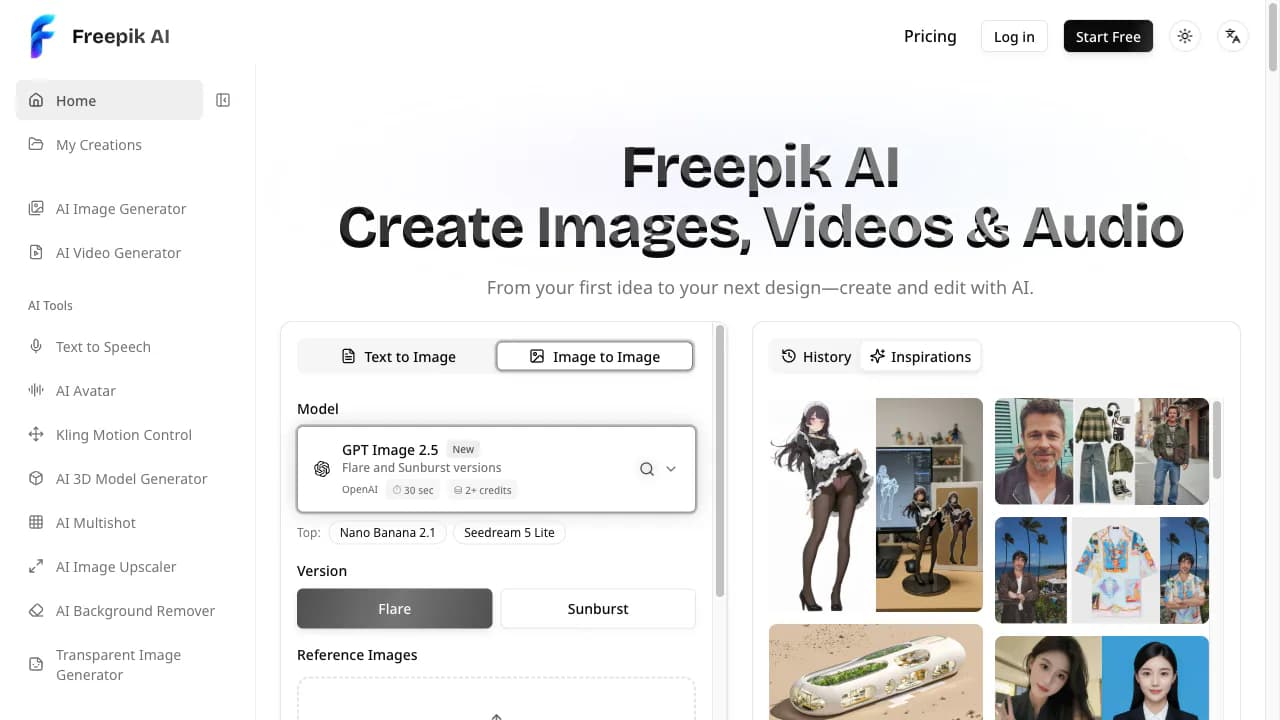
Freepik AI brings image creation, visual editing and short-video workflows into an independently operated browser workspace. Available in English and Chinese, the service is intended for designers, individual creators and small teams developing visual material for presentations, social content and early creative exploration.
From an idea to a visual direction
Creative work often begins with a rough description rather than a finished asset. In the workspace, users can start from a written prompt or introduce a reference image, explore alternatives and choose a direction for further refinement. A useful prompt can describe the subject, composition, visual style and intended use without claiming that a particular result is guaranteed.
Comparing several directions before committing to one can help separate the exploration stage from final preparation. A presentation concept, for example, may call for a different composition from a social-media visual. Keeping the intended format in mind gives the creator a clearer basis for deciding what to adjust next.
Preparing images for the next step
Image-editing tools support refining a selected visual rather than restarting every task. Background removal provides a way to prepare a transparent asset for use in another layout. Upscaling offers an option for adapting a chosen image to a larger presentation area. Creators should inspect the result at its intended display size, because automated processing does not guarantee that every edge, detail or generated element will be suitable.
These tools can be used as separate steps or as part of a connected workflow. A creator might explore a composition, refine the selected direction and then prepare the image for a specific layout. The workspace brings those related choices together, while leaving decisions about the final composition and suitability with the person making the content.
Developing still images into motion
For short-video projects, text-to-video and image-to-video workflows provide different starting points. Written instructions can describe a scene or movement, while an existing still can establish the visual direction for a clip. Multiple model choices let users select a workflow according to the task instead of treating one model as the default answer to every creative problem.
The workspace also includes text-to-speech and talking-portrait tools for narrated or presenter-style material. These options can support exploring how a message might be delivered through voice and a visual presenter. They do not remove the need to review pronunciation, meaning, likeness permissions or the context in which the finished material will appear.
Keeping review in the creative process
A connected set of tools can reduce the need to transfer each experiment between separate applications. It does not replace editorial judgment. Users should verify important details, check for unwanted visual elements and make sure they have permission to upload reference material. Intended publication, commercial use and representations of real people all require appropriate review.
The English and Chinese interfaces provide two language options for navigating the workspace. This introduction describes those existing interfaces and the available creative workflows. It does not claim that the service provides an independently developed foundation model or that outputs have been validated for specialist professional tasks.
About the independent service
Freepik AI at freepikai.app is an independently operated online creative workspace. This product information is provided by its own team, not an independent reviewer. The service is not affiliated with Freepik Company or freepik.com. Creators can consult the product website to explore its current image, editing, video and narration tools.